PoE switch vs standard switch: which one to choose for your network installation?
Contents
Choosing between a PoE switch and a standard switch depends less on price than on the type of equipment you connect to it. IP cameras, WiFi access points, VoIP phones ? PoE radically simplifies the cabling. A purely IT network (PCs, NAS, printers) ? A standard switch is enough and costs 30 to 40% less.
This guide explains the real technical differences, the PoE standards (802.3af, at, bt) and gives a simple rule to decide based on your installation. It is aimed at network installers, video surveillance integrators and SME IT managers.
What is a standard switch ?
A standard Ethernet switch (or non-PoE) is a network switch that transmits only the data between the equipment connected to its RJ45 or SFP ports. Each connected device (PC, NAS, printer, router) must have its own electrical power source.
It is the historical and universal solution: it exists in 10/100 Mbps, 1 Gbps, 2.5 Gbps, 10 Gbps versions, with RJ45 copper ports and/or SFP/SFP+ fiber ports. Unmanaged (plug & play) or managed (VLAN, QoS, SNMP, L3 routing).
Advantages of the standard switch
- 30 to 40% cheaper than a PoE switch of the same throughput
- Minimal power consumption (the switch itself)
- Lower heat dissipation, more compact housing
- Sufficient for 80% of home and SME networks
What is a PoE switch ?
A PoE switch (Power over Ethernet) carries both data AND electrical power in the same RJ45 Ethernet cable. The equipment connected to a PoE port (IP camera, WiFi access point, VoIP phone) is powered directly by the switch — no need for a mains outlet nearby.
The PoE standard allows up to 100 metres of distance between the switch and the powered device, with a maximum power that depends on the standard used (13, 25.5 or 60/90 W per port according to 802.3af/at/bt).
A PoE switch radically simplifies the installation of outdoor cameras or ceiling-mounted WiFi access points: a single Ethernet cable handles everything, no need for an electrician to run 230 V.
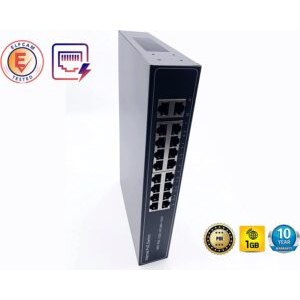
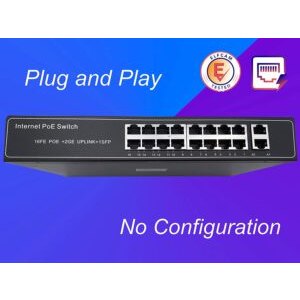
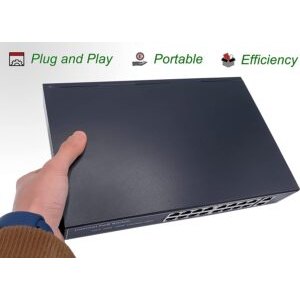
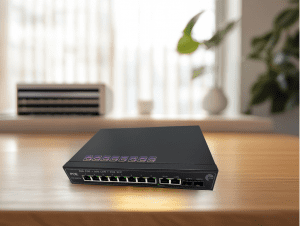
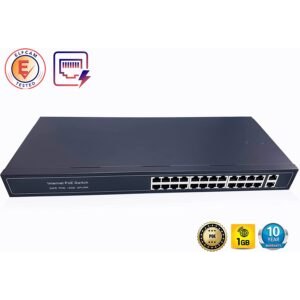
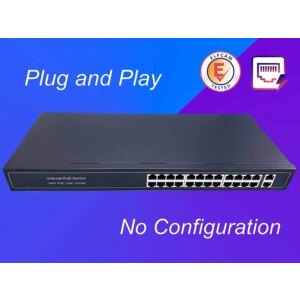
Recommended Elfcam PoE switches
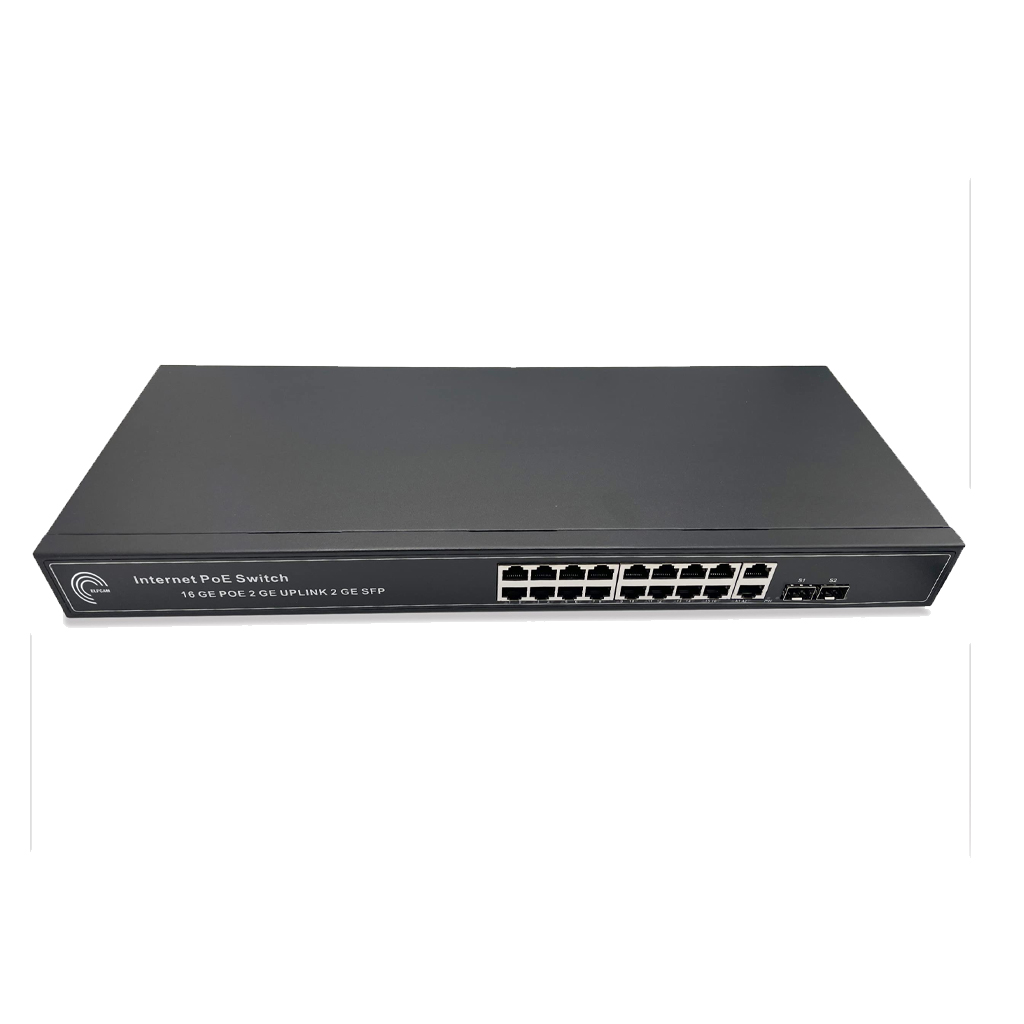
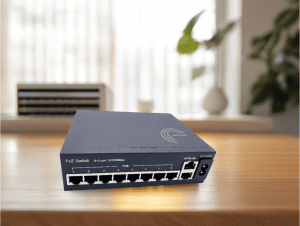
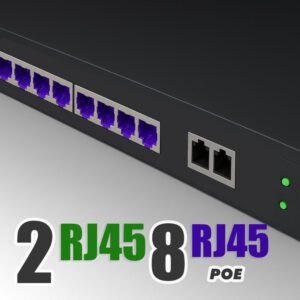
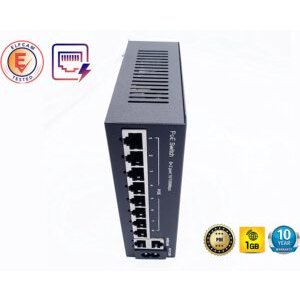
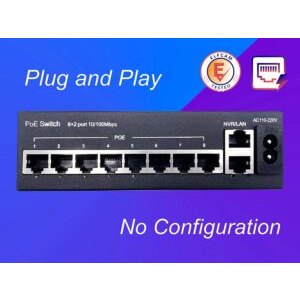
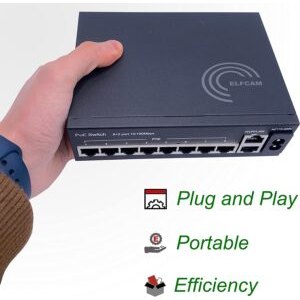
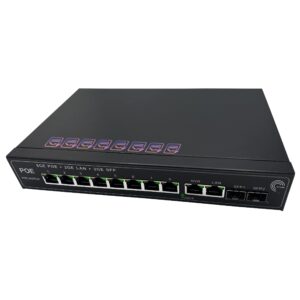
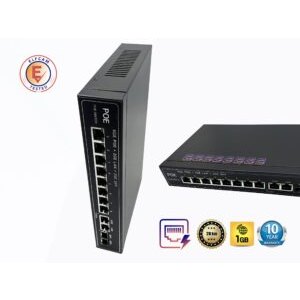
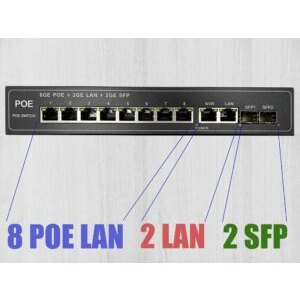
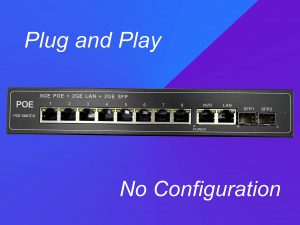
- Ref 7813 — PoE switch 8 ports + 2 Gigabit uplinks, unmanaged, for IP cameras and WiFi
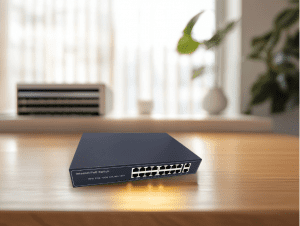
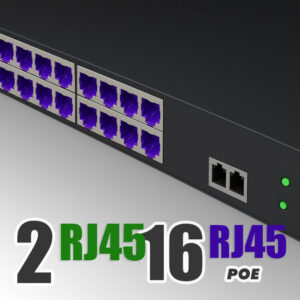
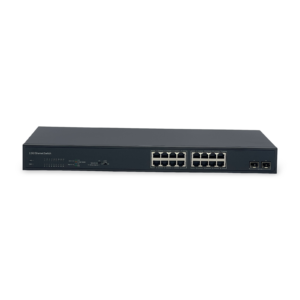
- Ref 7818 — PoE switch 16 ports + 2 Gigabit uplinks, for medium installations
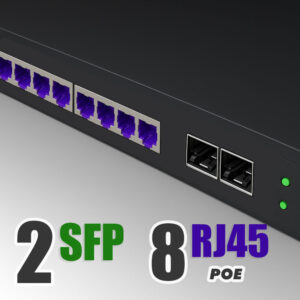
- Ref 9285 — PoE switch 8 ports + 2 SFP fiber ports 1.25G, for fiber backbone

Concrete differences between PoE switch and standard switch
| Criterion | Standard switch | PoE switch |
|---|---|---|
| Powering of equipment | No — local source mandatory | Yes — via Ethernet cable |
| Initial cost | Low | Moderate to high |
| Power consumption (device) | 5-15 W | 20-720 W depending on active ports |
| Installation of an IP camera at 30 m | 2 cables (network + 230 V) | 1 Ethernet cable |
| Compatibility with non-PoE equipment | 100% | 100% (PoE negotiated, not forced) |
| Available ports | 5 to 48 + SFP | 4 to 48 PoE ports + uplinks |
| Heat generated | Low | Moderate to high |
| Ideal use case | Office work, NAS, PC | Video surveillance, VoIP, WiFi |
The most concrete difference: for an IP camera placed outdoors 30 m from your network rack, a standard switch forces you to provide a 230 V outlet next to the camera (trunking, conduit, electrician, waterproof enclosure). A PoE switch removes all of that — a single Cat 6 cable does the job.
When to choose a PoE switch ?
The PoE switch is the obvious choice in three very specific cases :
- IP video surveillance: outdoor cameras, mounted high, far from electrical outlets. PoE lets you place the camera anywhere as long as you can run an Ethernet cable.
- Enterprise WiFi / mesh WiFi: access points (AP) on the ceiling or outdoors. Powering a ceiling AP without PoE requires an electrified ceiling fixture — PoE avoids that.
- VoIP telephony: IP phones consume little but must be powered continuously. PoE centralises the power supply via the switch → backs up the telephony on a single UPS.
More specific but frequent cases: access control (badge readers), IP doorbells, digital signage displays, network-synchronised clocks.
When a standard switch is enough
Favour a standard switch if :
- All your devices already have their own power supply (PC, NAS, laser printer, router)
- Your budget is tight and PoE would be an expense with no benefit
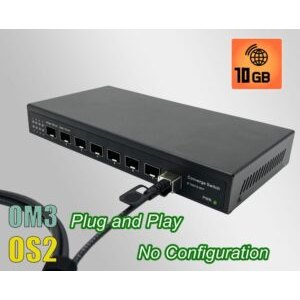
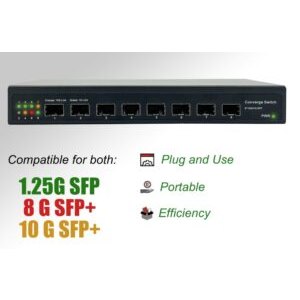
- You need very high throughput (10G/25G) without power supply: a non-PoE 10G switch costs much less than a PoE equivalent
- Your network is 100% office-based, with no cameras or WiFi APs to power
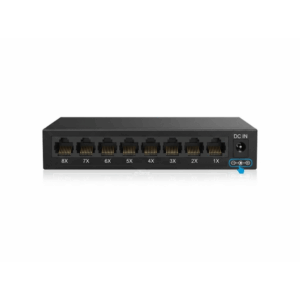
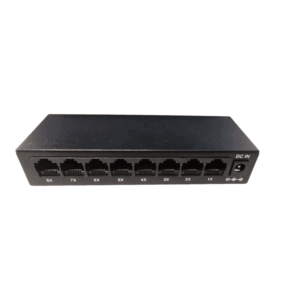
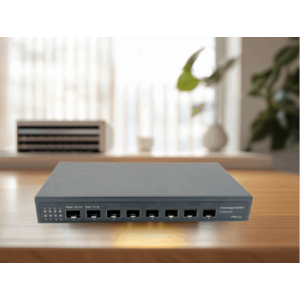
Recommended Elfcam standard switches
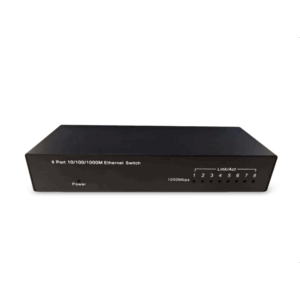
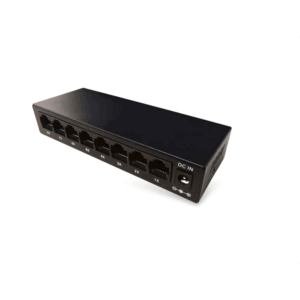
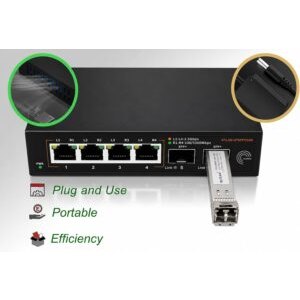
- Ref 28773 — Gigabit switch 8 ports unmanaged, metal housing, plug & play
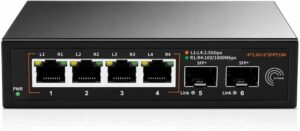
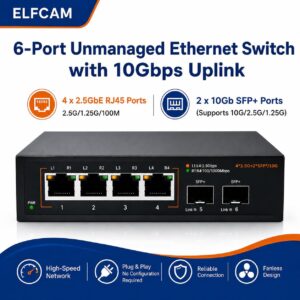
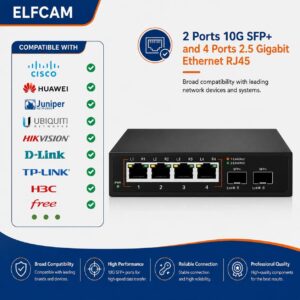
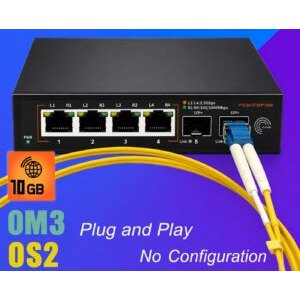
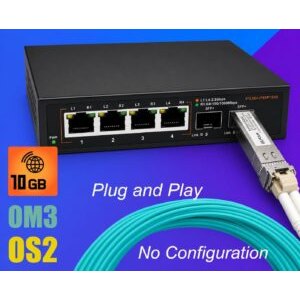
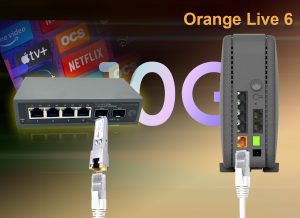
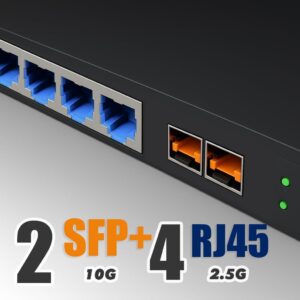
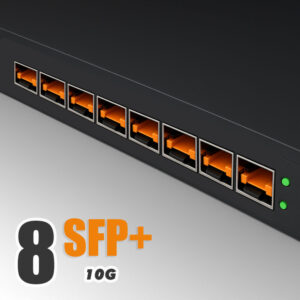
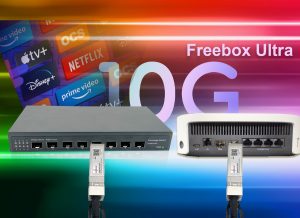
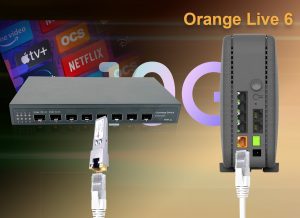
- Ref 15694 — 10G switch Freebox Ultra, 2× SFP+ 10G + 4× 2.5G RJ45
- Ref 29015 — L3 managed switch, 2× SFP+ 10G + 16× 2.5G, VLAN/QoS/SNMP

PoE standards: 802.3af, at, bt — what are the differences ?
The power delivered by a PoE port depends on the IEEE 802.3 standard supported by the switch. Three main generations coexist :
| Standard | Commercial name | Max power / port | Typical equipment |
|---|---|---|---|
| IEEE 802.3af (2003) | PoE | 15.4 W (13 W usable) | Standard IP cameras, VoIP phones, simple WiFi APs |
| IEEE 802.3at (2009) | PoE+ | 30 W (25.5 W usable) | PTZ cameras, WiFi 5/6 APs, POS tablets |
| IEEE 802.3bt Type 3 (2018) | PoE++ | 60 W (51 W usable) | WiFi 6E/7 APs, displays, high-power PTZ cameras |
| IEEE 802.3bt Type 4 (2018) | PoE++ / 4PPoE | 90 W (71.3 W usable) | Interactive displays, Thin Client PCs, LED lighting |
Backward compatibility is guaranteed : a PoE++ switch powers an old 802.3af phone without any problem. The equipment automatically negotiates the necessary power via the LLDP protocol.
Watch out for the total power budget
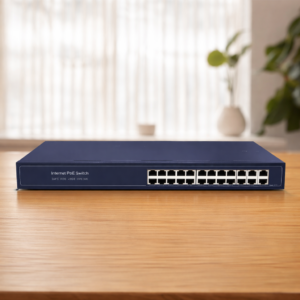
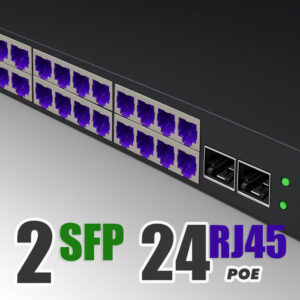
A 24-port PoE switch does not always deliver 30 W × 24 = 720 W. The total PoE budget (shown on the product sheet) is often capped at 180-370 W. Check this value before connecting 24 power-hungry WiFi APs.
Installation, cable length and losses
PoE works on Cat 5e Ethernet cable minimum, with a maximum distance of 100 metres. Beyond that, resistive losses become too high and the power received by the remote equipment drops below the operating threshold.
To exceed 100 m, two solutions :
- PoE extender: a relay that re-amplifies the signal and re-launches the power supply (up to 300 m total)
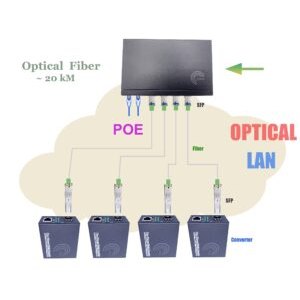
- PoE switch + fiber-copper injector: switch to optical fiber for the long distance, then switch back to PoE copper at the end point via a PoE Ethernet fiber converter
For the cable : Cat 5e is enough for 802.3af/at. For 802.3bt (60-90 W), favour Cat 6 or Cat 6A to limit the heating of the pairs and avoid degradation of the insulation on long sections.
FAQ — PoE switch and standard switch
1Can a PoE switch power a non-PoE device ?
2What is the difference between passive PoE and active PoE ?
3What PoE power for an outdoor IP camera ?
For a motorised PTZ camera with heating (outdoor -20°C): count on 802.3at (30 W), because the resistive heating draws 15-20 W on its own.
For a 4K camera with long-range IR lighting: aim for 802.3bt Type 3 (60 W) for the margin.
4How to calculate the necessary PoE budget ?
- IP cameras: count 8 W each (802.3af is enough)
- WiFi 6 APs: 15-25 W each (802.3at recommended)
- VoIP phones: 5-7 W each
- Outdoor PTZ cameras: 20-30 W
5Managed or unmanaged PoE switch ?
Managed (L2/L3): web interface, VLAN, QoS, SNMP, link aggregation. Essential if you separate the flows (video surveillance on VLAN 10, VoIP on VLAN 20, data on VLAN 30). From 24 ports onward, managed becomes almost mandatory.
6Can PoE and optical fiber be mixed in the same switch ?
7Can PoE work over 100 m of cable ?
8Delivery and stock in France ?
In summary
The choice between PoE switch and standard switch comes down to two questions :
- Do I have equipment to power via the network (cameras, WiFi APs, VoIP) ? If yes → PoE.
- Is my budget tight and are all my devices already powered ? If yes → standard.
For all other cases, the hybrid PoE switch (with a few PoE ports + standard ports) offers an excellent compromise. Check out the Elfcam PoE switches range or the 10G standard switches range depending on your use.

















